 Dexsport
 Dexsport deposits: Missing Balance and Transaction Checks
Last updated -
Dexsport deposits can remain absent from your displayed balance because of a wallet connection problem, an unconfirmed transaction or a network mismatch. Start with the original transaction and the account you funded. Repeating the deposit before identifying its status can create another transfer without resolving the first.
An Unchanged Balance After a Deposit
An unchanged balance does not identify where the deposit stopped. First check the account, currency and network you are viewing, without approving another payment. Record the amount you expected and any error message before changing the connection. These details help distinguish a missing transfer from a balance display problem.
Keep the sending wallet's record available. A payment request, a submitted transaction and a credited betting balance describe different states. The next action should address the state the records show, rather than the absence of a balance alone.
Should You Wait or Submit Another Deposit?
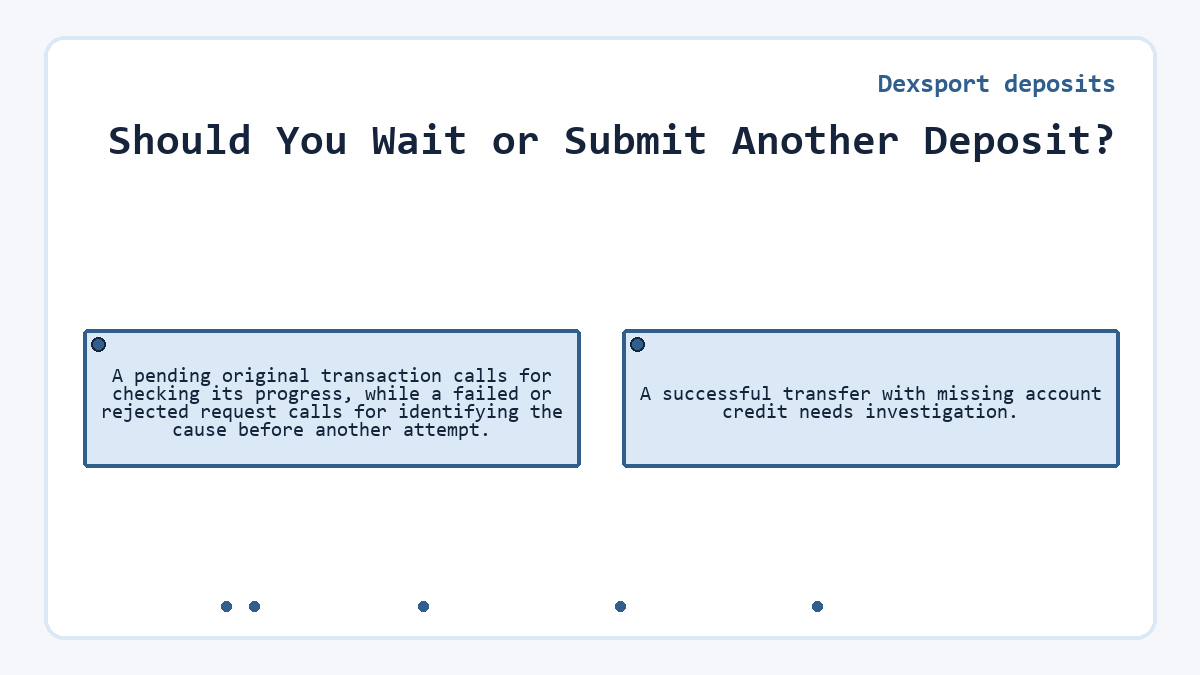
A pending original transaction calls for checking its progress, while a failed or rejected request calls for identifying the cause before another attempt. A successful transfer with missing account credit needs investigation.
Use the transaction hash to inspect the record on the sending network. The hash identifies a transaction; its presence alone does not establish success. Read the status and transfer details together. A wallet notification may report submission before the network finishes processing the transaction.
Elapsed time alone does not tell you whether another payment is appropriate. Network processing, the deposit method and account crediting affect different parts of the journey. Follow any processing information attached to that method instead of assuming every deposit shares a fixed completion time.
Do not repeat a successful transfer solely because the balance remains unchanged. Another payment creates another transaction to reconcile.
Currency, Network and Deposit Method
Dexsport requires the sending network to match the network selected for the deposit. Its deposit options also distinguish a directly supported Web3 wallet connection from funding an internal wallet. The relevant settings belong to the particular deposit method.
| Deposit Parameter | Required Value or State | Effect on the Check |
|---|---|---|
| Currency | The currency selected for the deposit | Compare the same asset in both records |
| Network | The selected and sending networks match | A mismatch requires separate investigation |
| Amount | The amount entered for that request | Compare it with the transfer record |
| Wallet Confirmation | Confirmation of the deposit transaction | An unfinished request does not prove payment |
| Deposit Method | Direct Web3 wallet or internal wallet funding | Applicable minimums differ by method |
| Reconciliation | Compare the original request with its transaction and account records. | |
A network selection in the interface does not change the network of an earlier transfer. Preserve the original details when investigating a mismatch.
Was the Deposit Confirmed in Your Wallet?
A deposit request needs confirmation in the wallet when the chosen method uses a wallet transaction. Clicking Add Funds alone does not complete that confirmation. Dexsport identifies insufficient gas and missing transaction confirmation as possible causes of deposit errors.
Gas is the network transaction fee. A wallet can hold the asset you intend to deposit while lacking enough of the asset required for that fee. Read the wallet's fee requirement and error message before changing the amount or repeating the request. The relevant fee asset depends on the network and transaction method.
Confirmation inside the wallet authorizes submission; the transaction record shows what happened afterward. Keep those events separate when describing the failure. An authorization you declined differs from a transaction the network accepted and later marked unsuccessful.
Reconnecting the Original Wallet
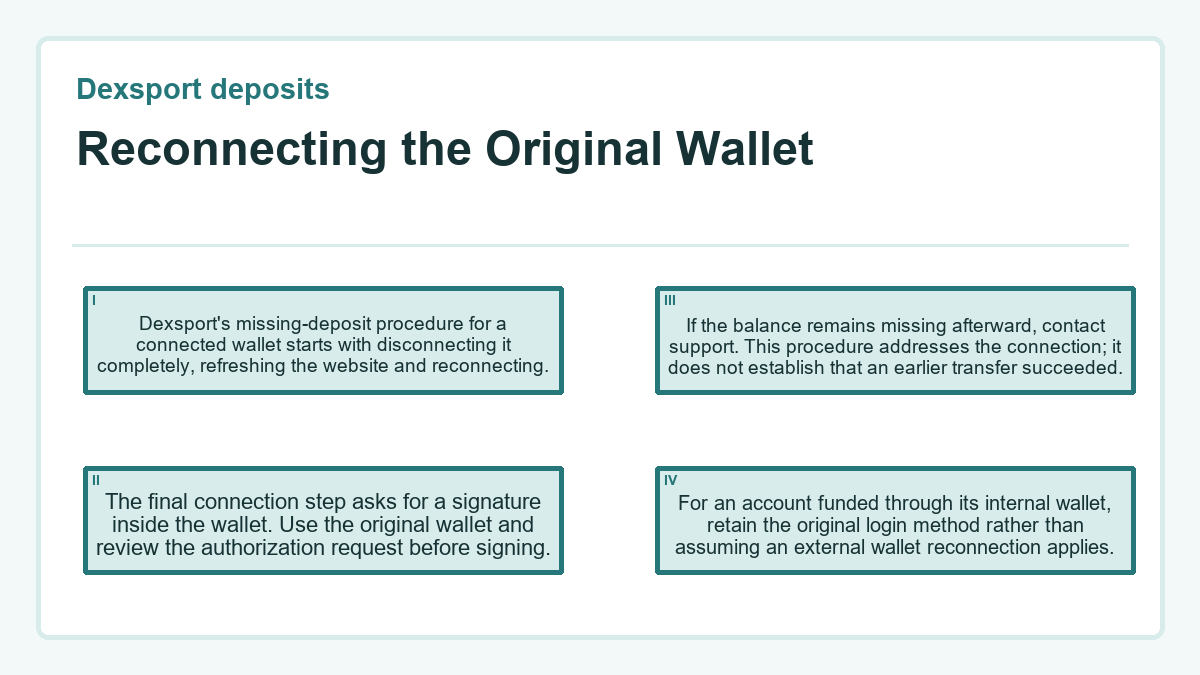
Dexsport's missing-deposit procedure for a connected wallet starts with disconnecting it completely, refreshing the website and reconnecting. The final connection step asks for a signature inside the wallet. Use the original wallet and review the authorization request before signing. If the balance remains missing afterward, contact support. This procedure addresses the connection; it does not establish that an earlier transfer succeeded. For an account funded through its internal wallet, retain the original login method rather than assuming an external wallet reconnection applies.
Transaction Details and Account Credit
The transaction record and the platform balance answer different questions. The first describes activity on the network. The second shows the amount available in the account. Compare the transferred asset, amount and destination with the original deposit request before treating a successful transaction as proof of the intended deposit.
Use the record for the actual transfer. A nearby wallet activity entry may describe a different request.
A block explorer provides more detail than a balance screenshot, including the transaction's network activity and addresses. Preserve the complete hash and relevant transfer details. A screenshot helps show the display problem, but it should accompany the transaction identifier rather than replace it.
The useful completion evidence is a matching deposit credit in the intended account. Withdrawal eligibility is a separate issue and does not determine whether the deposit arrived.
Can Support Recover a Deposit Sent Incorrectly?
Support cannot promise recovery merely because a transfer exists; any available remedy depends on where the funds went and who controls the destination. A network mismatch or incorrect destination needs a transaction-specific assessment.
Reconnecting a wallet cannot reverse a finalized blockchain transfer. Recovery, where possible, requires a separate action by someone able to control the funds. Do not interpret a successful reconnection as a correction to the original destination.
Dexsport asks for your nickname and transaction hash when handling a deposit issue. Contact support through the platform's chat and explain the mismatch you found. Include the network, currency, amount and exact error message when relevant. Those details help identify the payment without authorizing another transfer.
The Records to Check Before Closing the Issue
Before considering the deposit resolved, confirm that the intended account shows the relevant credit. Match its currency and amount against the original request, allowing only for charges or conversion terms the deposit method actually disclosed. Preserve the transaction identifier alongside any support response explaining an adjustment.
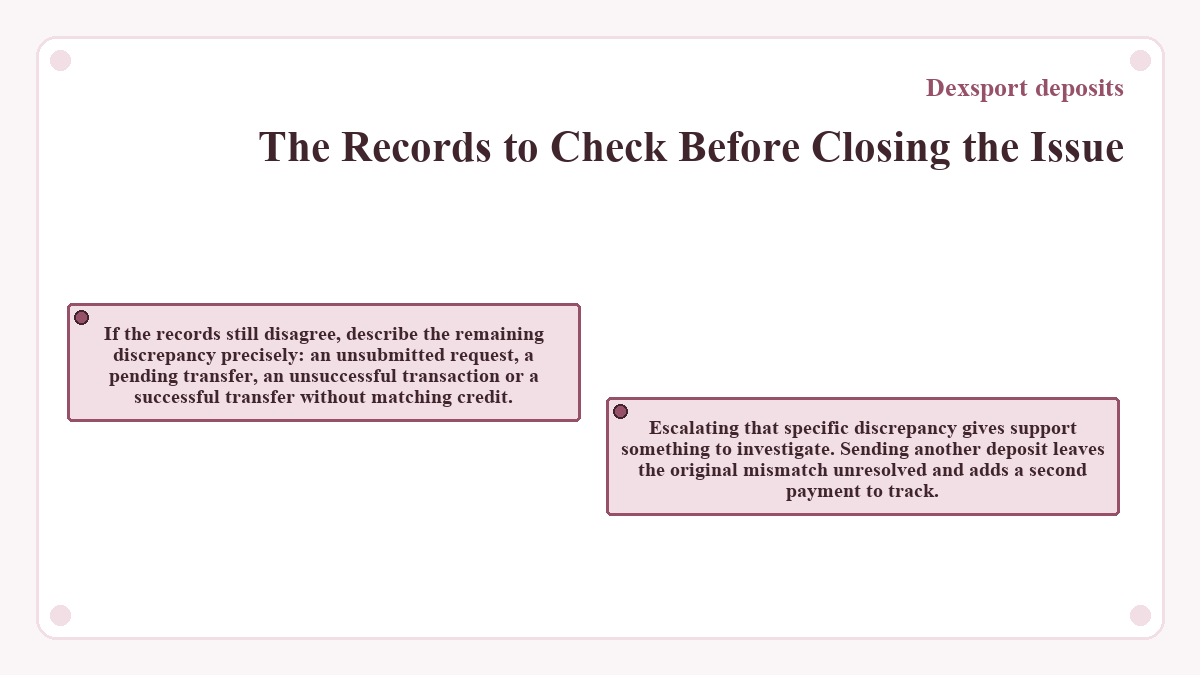
If the records still disagree, describe the remaining discrepancy precisely: an unsubmitted request, a pending transfer, an unsuccessful transaction or a successful transfer without matching credit. Escalating that specific discrepancy gives support something to investigate. Sending another deposit leaves the original mismatch unresolved and adds a second payment to track.
Dexsport deposits: common questions
Why Can a Small Deposit Work Through One Method but Fail Through Another?
Dexsport applies different minimums to direct Web3 wallet deposits and internal wallet funding. An amount accepted through one method therefore does not establish eligibility through another. Read the amount requirement attached to the selected method before authorizing payment, especially when changing how you fund the account.
Is a Transaction Hash Enough for Dexsport Support to Identify My Account?
Dexsport requests both your nickname and the transaction hash for deposit assistance. The hash identifies the network transaction, while the nickname identifies the platform account involved. Providing both avoids relying on a balance screenshot or asking support to infer which account should receive the credit.
Can Deleting Wallet History Restore a Missing Deposit?
Deleting a wallet's local history does not reverse blockchain activity or create a missing platform credit. Preserve the transaction record while investigating. Clearing wallet activity can also remove useful local troubleshooting information, so it should not replace checking the transaction and contacting the platform about an account-credit problem.
Does a Credited Deposit Make the Entire Balance Available for Withdrawal?
A credited deposit does not establish that the entire balance is withdrawable. Dexsport displays balance and withdrawable amounts separately, and wagering requirements can affect withdrawal eligibility. If the deposit appears but the withdrawable figure differs, investigate those account conditions rather than submitting another deposit to fix the difference.